

Call of Duty Mobile
Garena PHHOW TO BUY GARENA SHELLS FOR CALL OF DUTY MOBILE (CODM) ON NEXONE.PH
1. Choose your preferred Garena Shell amount.
2. Complete payment using Philippine payment methods.
3. Your Garena Shell code and redemption instructions will appear on the transaction receipt.
Important Note (Nexone.ph Users):
Nexone.ph delivers CODM Points through a 16-digit redeemable code.
• You will receive the code on your Nexone.ph transaction receipt.
• Redeem this code on the Garena website to receive your CODM Points.
• Do not include the word “PIN” when redeeming.
Example Code: 1234567890123456
Battle Pass Conversion:
Regular Battle Pass = 100 + 50 + 10 GS
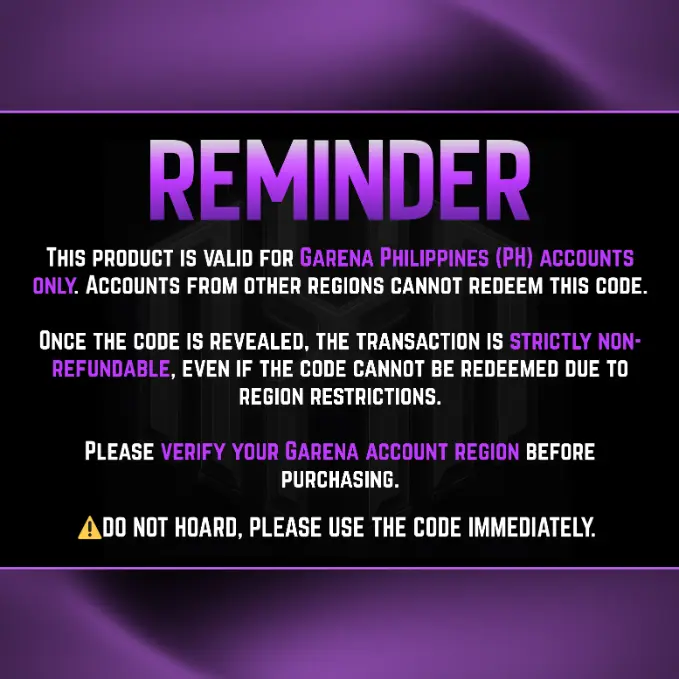
For Garena PH region only.
Codes are non-refundable once revealed, even if redemption fails due to region mismatch.
Select Item
SALE
Best Seller
Review
5.0
from 91,500 reviews
mgga*********@gmail.com
2320 CP (1000gs)
02 Oct 2026, 21:16
"Quick top-up, highly recommended."
098******888
Regular BP (328CP)
02 Oct 2026, 21:18
"Diamonds credited instantly. No issues."
098******888
416 CP (200gs)
02 Oct 2026, 21:21
"Diamonds credited instantly. No issues."
098******888
2320 CP (1000gs)
02 Oct 2026, 21:29
"Reliable and easy to use."
098******888
2320 CP (1000gs)
02 Oct 2026, 21:32
"Everything went smoothly."
Account Details
Voucher Code
Enter Voucher Code
Payment Method
Order Quantity
Qty
Order Confirmation
Transaction Receipt (Required)
Required: You must enter email to receive a transaction receipt
Frequently Asked Questions
After completing your order on Nexone PH, your Call of Duty: Mobile code is located in the Message/Voucher section of your Transaction Receipt.
Please scroll down on the receipt page to view the code. The code is a 16-digit number and is also sent to the email used during purchase.
Most CODM codes from Nexone PH are delivered instantly after successful payment. If you don’t see the code immediately, refresh the page and check both your Transaction Receipt and email.
Confirm that your payment was successful, then scroll down on the Transaction Receipt and check the Message/Voucher section for the 16-digit code. If it is still not visible, contact Nexone PH customer support with your order ID.

Call of Duty Mobile CP Top Up Philippines
Call of Duty: Mobile players in the Philippines can top up CP (COD Points) online through Nexone.ph as an alternative to in-app purchases. CP is used to unlock operators, weapon skins, battle passes, and other in-game content in Call of Duty: Mobile.
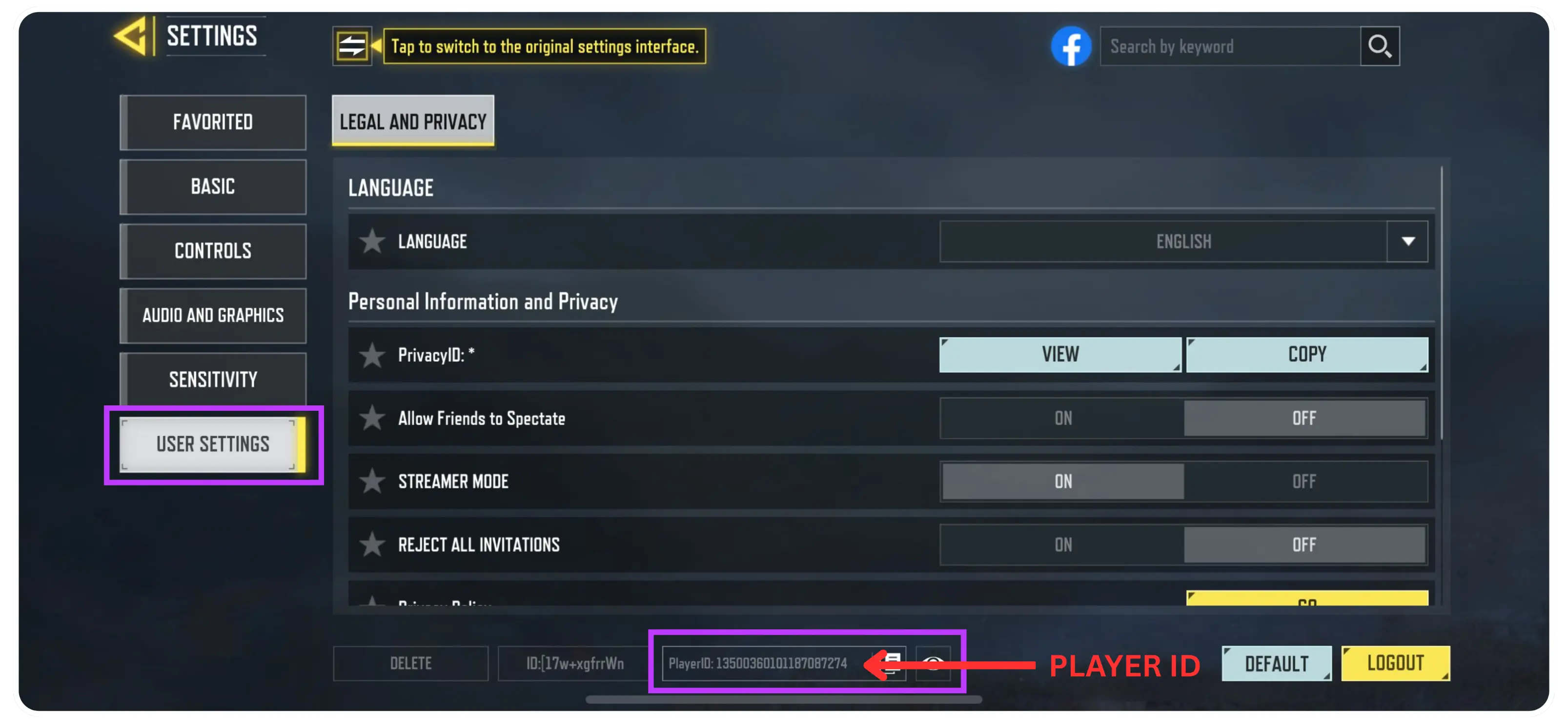
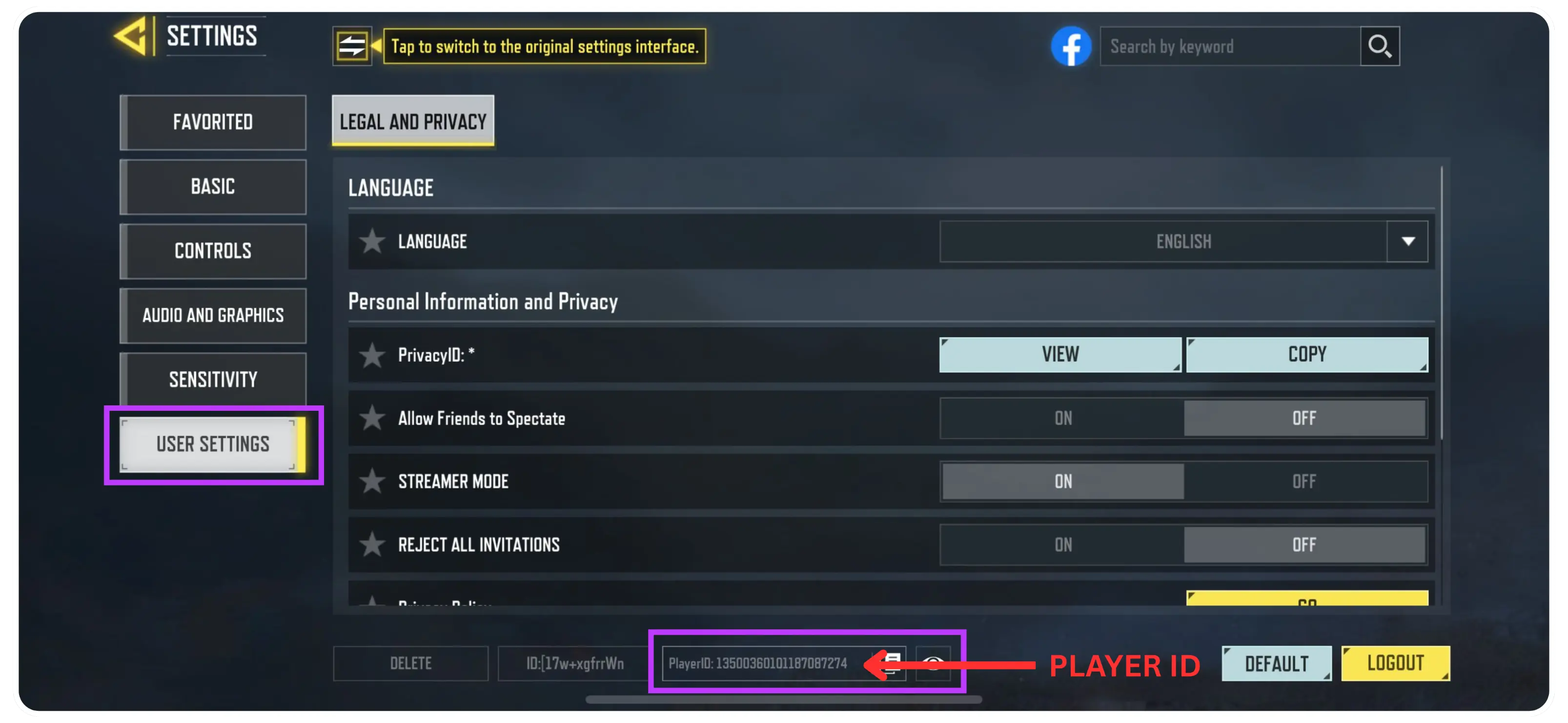
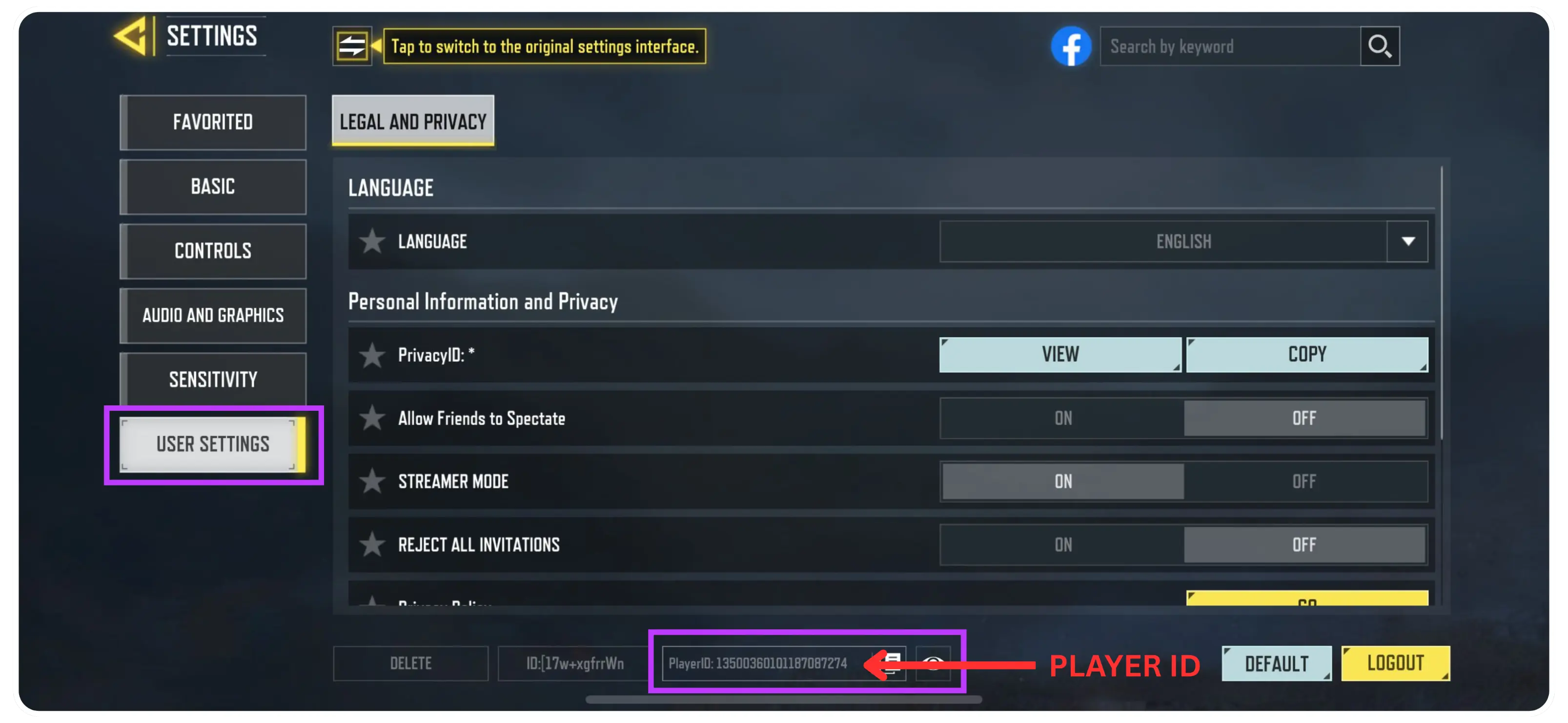
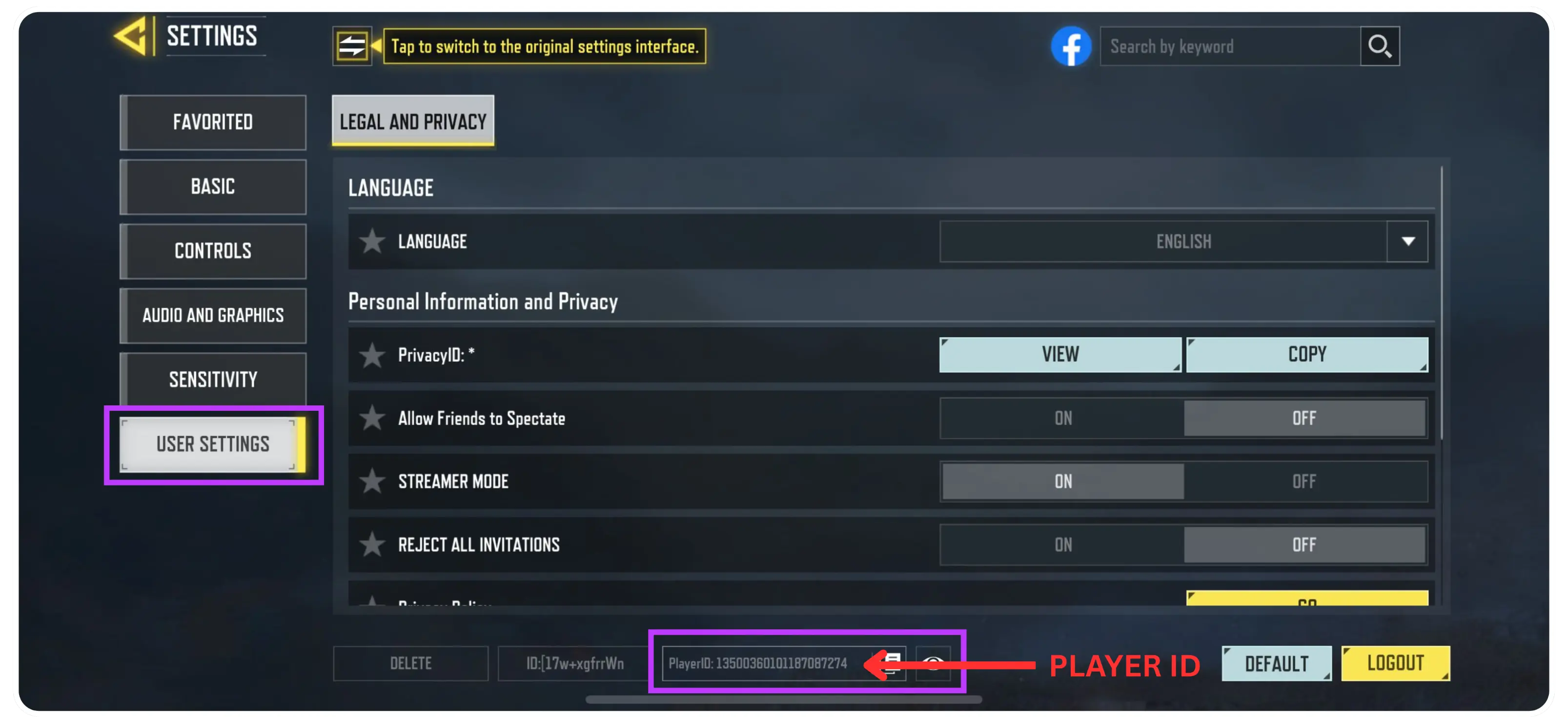
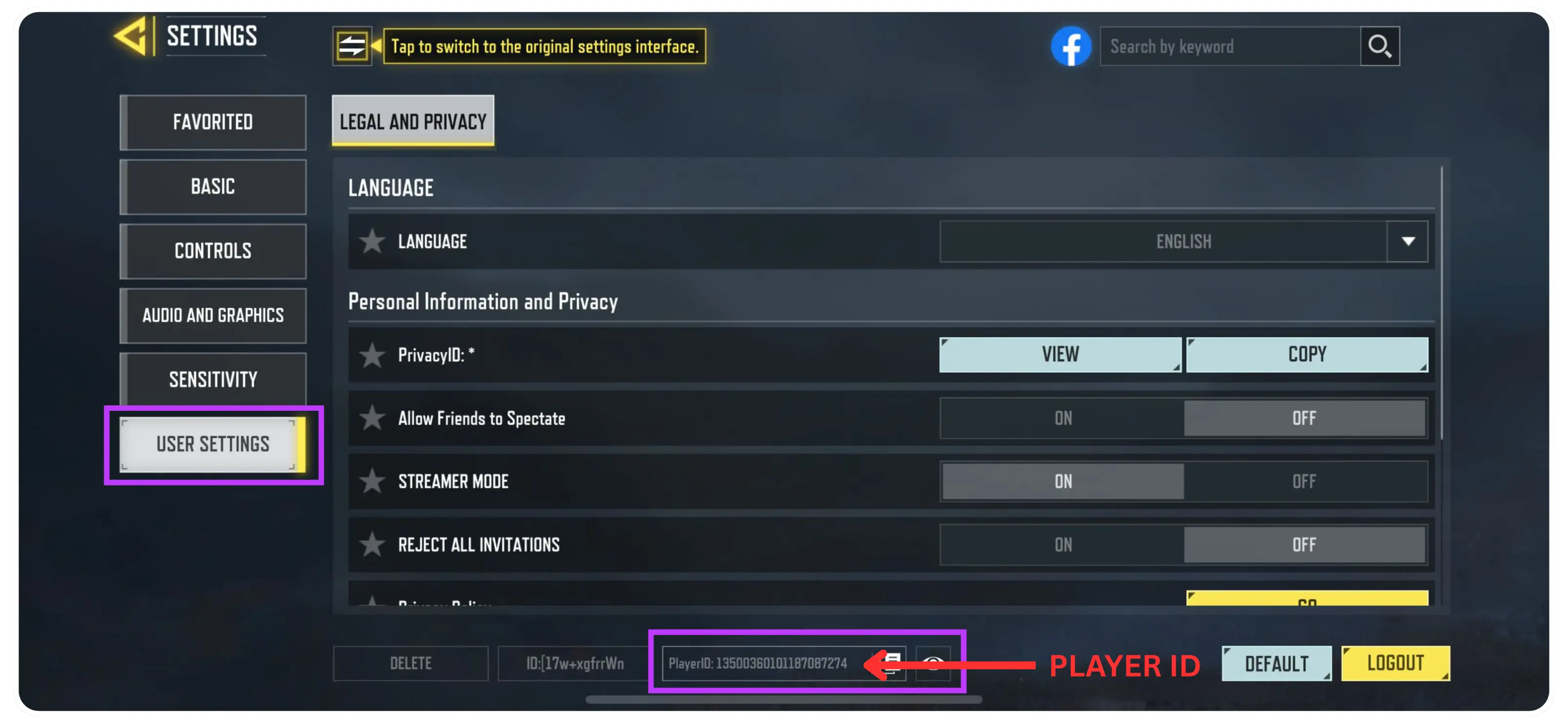
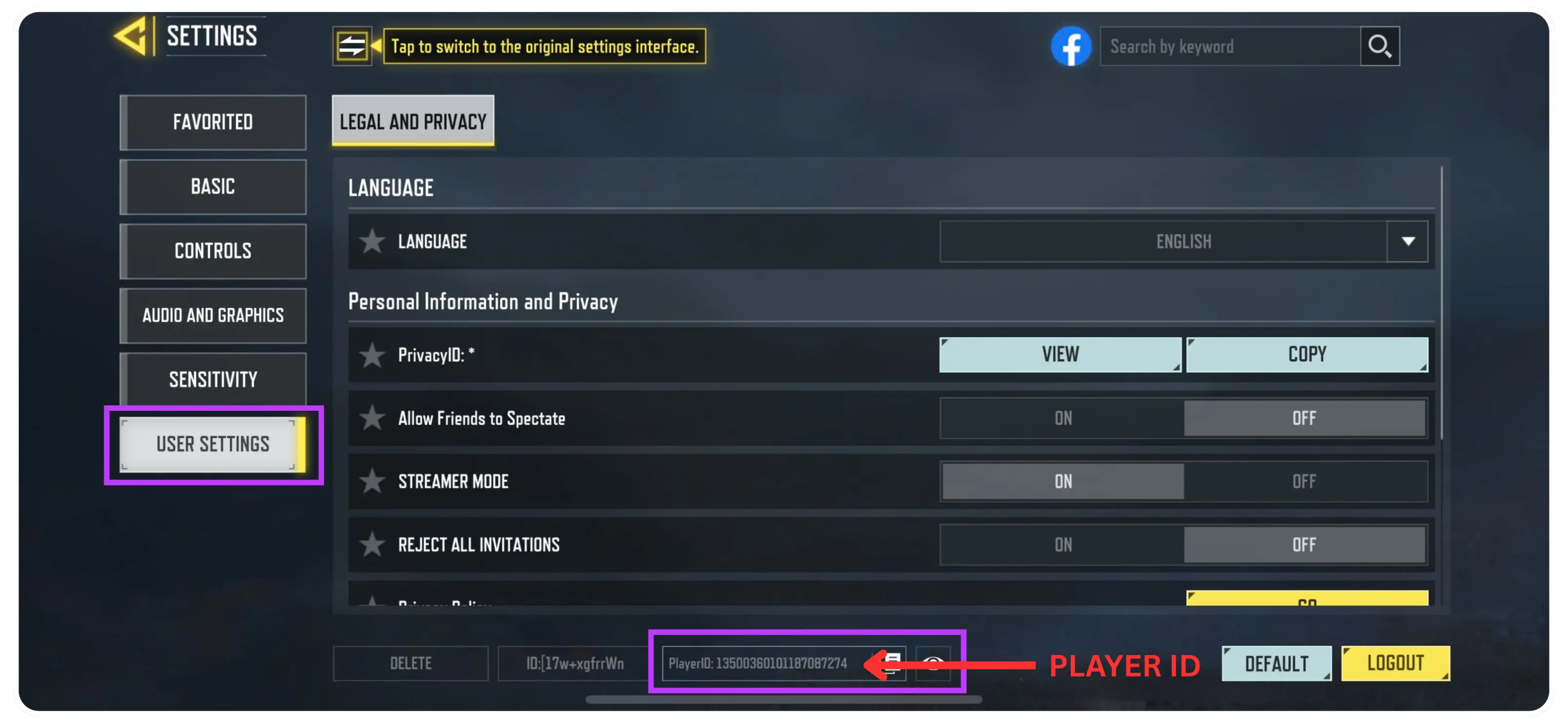
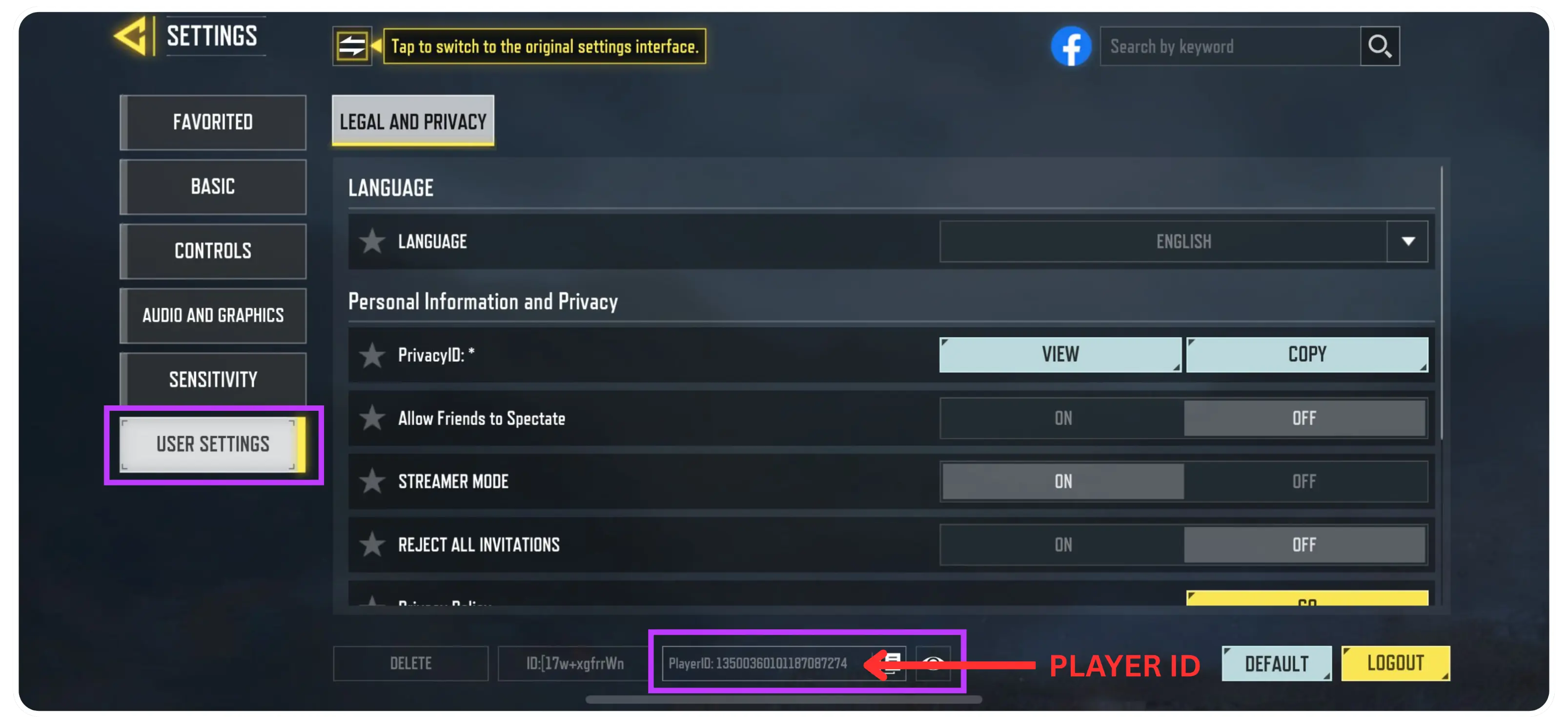
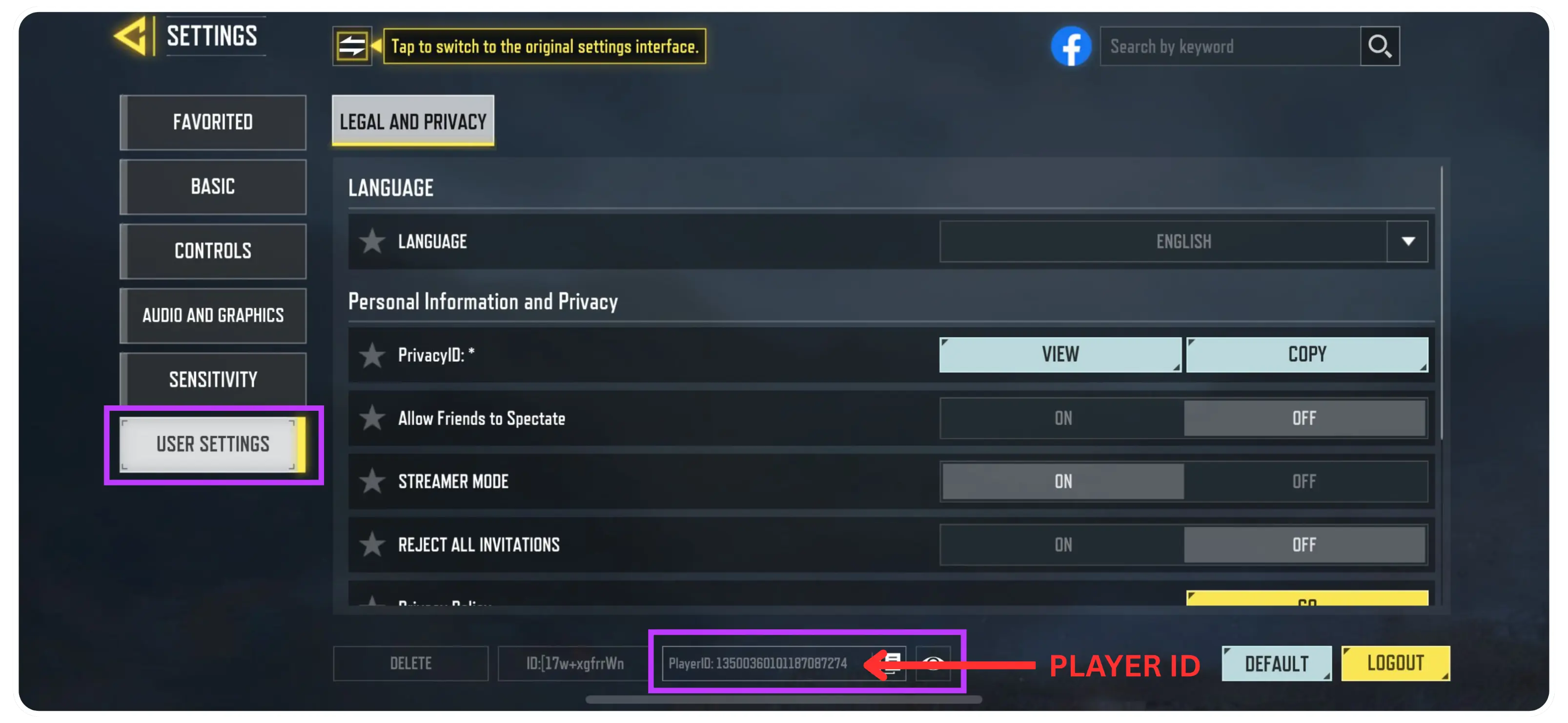
To place an order, enter your correct Player ID, select a CP package, and proceed to checkout. Nexone.ph supports Philippine payment methods such as GCash, Maya, QRPH, and selected bank options. This Call of Duty: Mobile top up page is intended specifically for Philippine users, with payment flow and pricing aligned for local transactions.