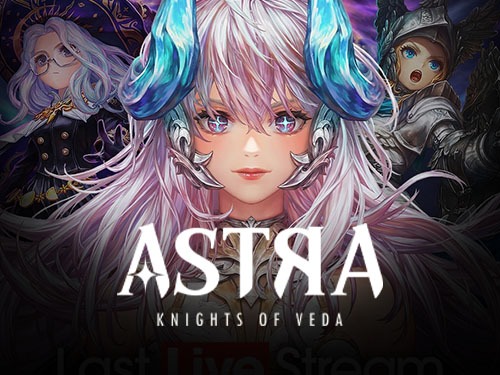
Astra: Knights of Veda
How to find Astra: Knights of Veda Player ID?
1. Login to your account.
2. look for the Server icon located in the top right corner and tap on it. This will display the server you are currently connected to.
3. Tap on the profile icon located in the top left corner of the screen and locate the setting icon.
4. In the Settings menu, click on the "Account" option.
5. Your IMID (account ID) will be displayed on the Account page.
Select Item
Review
0.0
from 0 reviews
User iD and Server
Voucher Code
Enter Voucher Code
Payment Method
Order Confirmation
Transaction Receipt (Required)
Required: You must enter email to receive a transaction receipt

Unleash the 13th Knight: Why Astra: Knights of Veda Redefines Dark Fantasy RPGs
The Goddess Veda has spoken, and Planis awaits its savior. Astra: Knights of Veda breathes new life into the dark fantasy genre, seamlessly blending a grim, beautifully hand-drawn aesthetic with brutal, tactical 2D side-scrolling combat. This isn't just another button-masher; it’s a modern reimagining of classic arcade brawlers, elevated by deep RPG mechanics and an immersive, lore-rich narrative.
As the chosen champion, you will recruit a diverse roster of powerful Knights, each harboring distinct elements, roles, and devastating ultimate abilities. Whether you are chaining elemental combos to shatter elite bosses in tense PvE dungeons or testing your build's limits against rival champions in the real-time PvP arena, every battle demands precision and strategy.